01
The medium doesn't have to be trusted
A cloud, disk, or flash drive never becomes part of the trusted system. It just stores an encrypted blob.
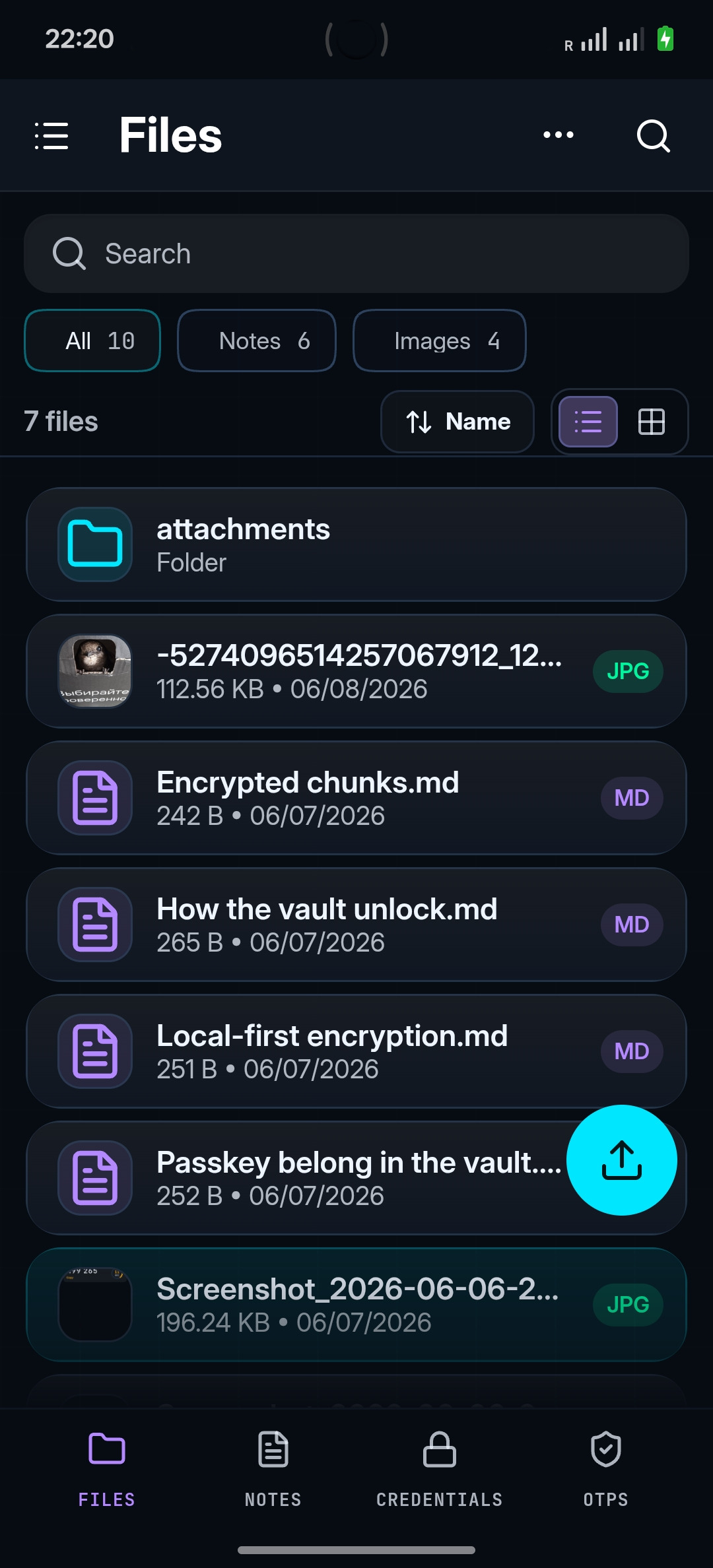
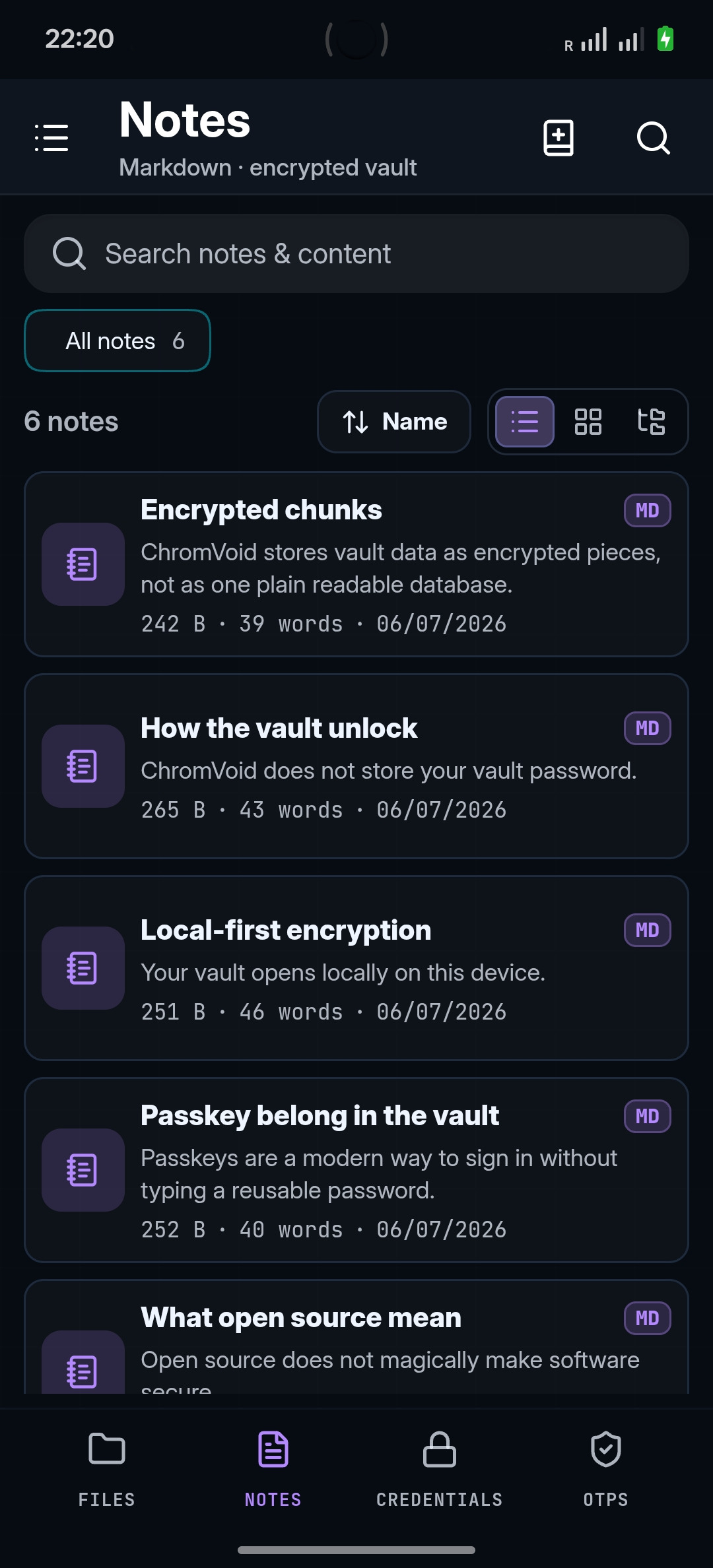
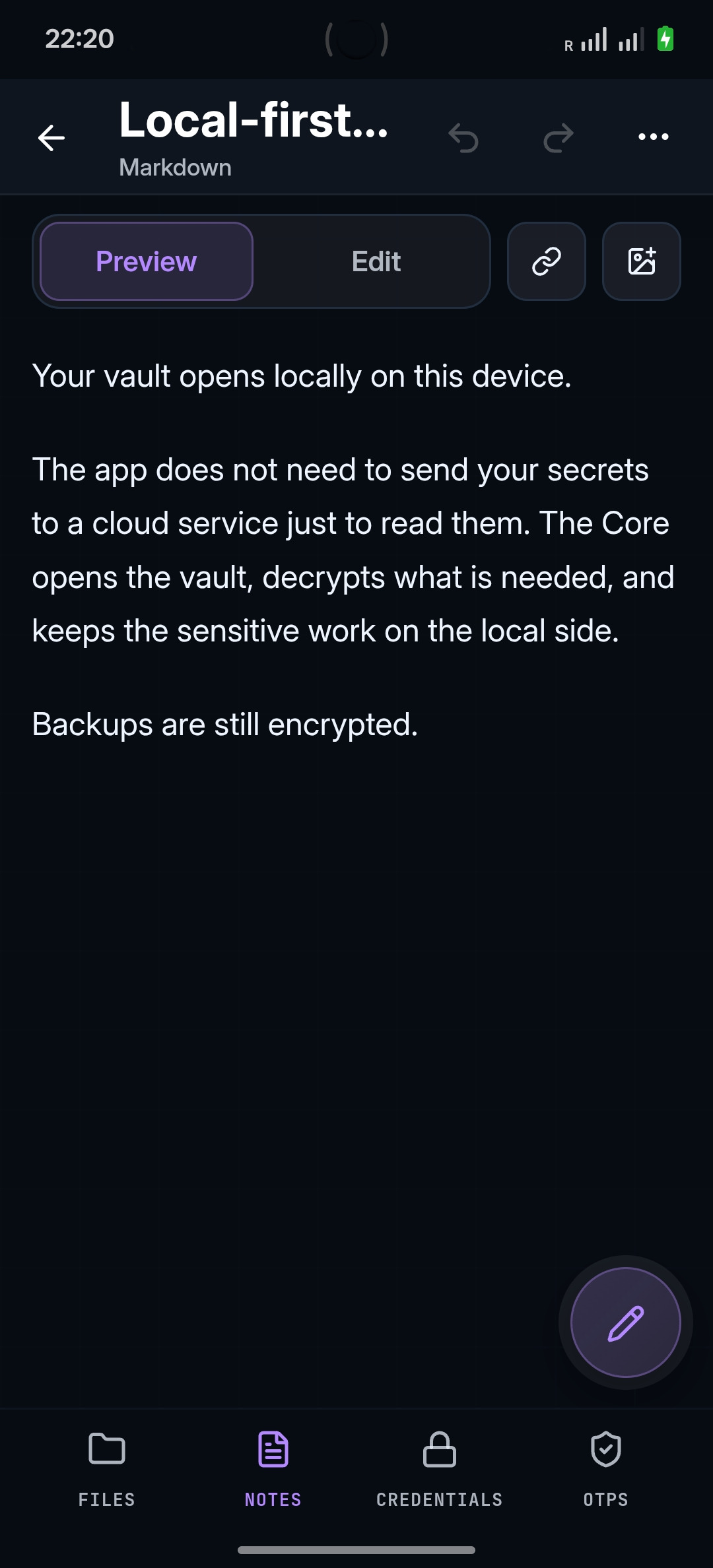
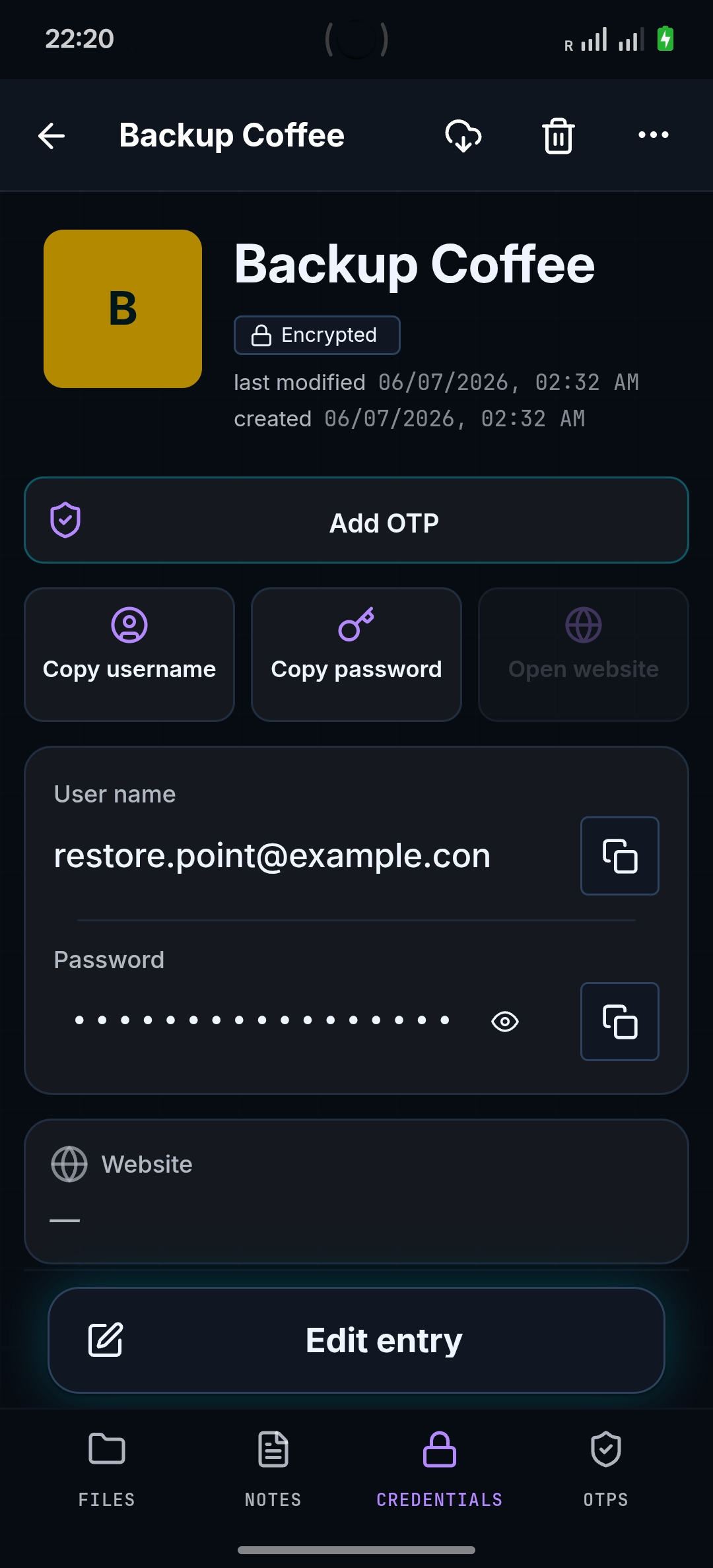
untrusted mediumChromVoid is a local password manager and encrypted file vault. No cloud account: data is encrypted on your device, and you keep the backup wherever it works for you.
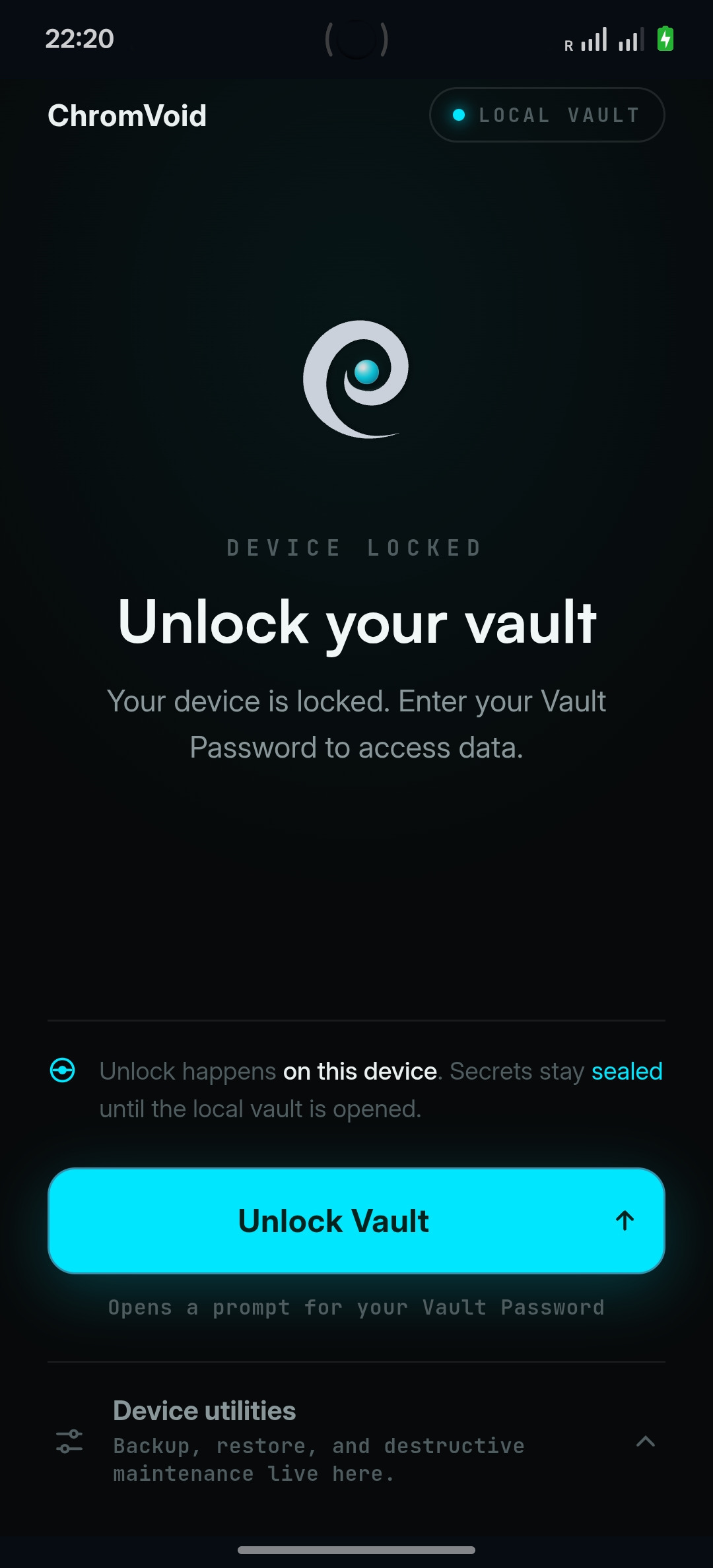
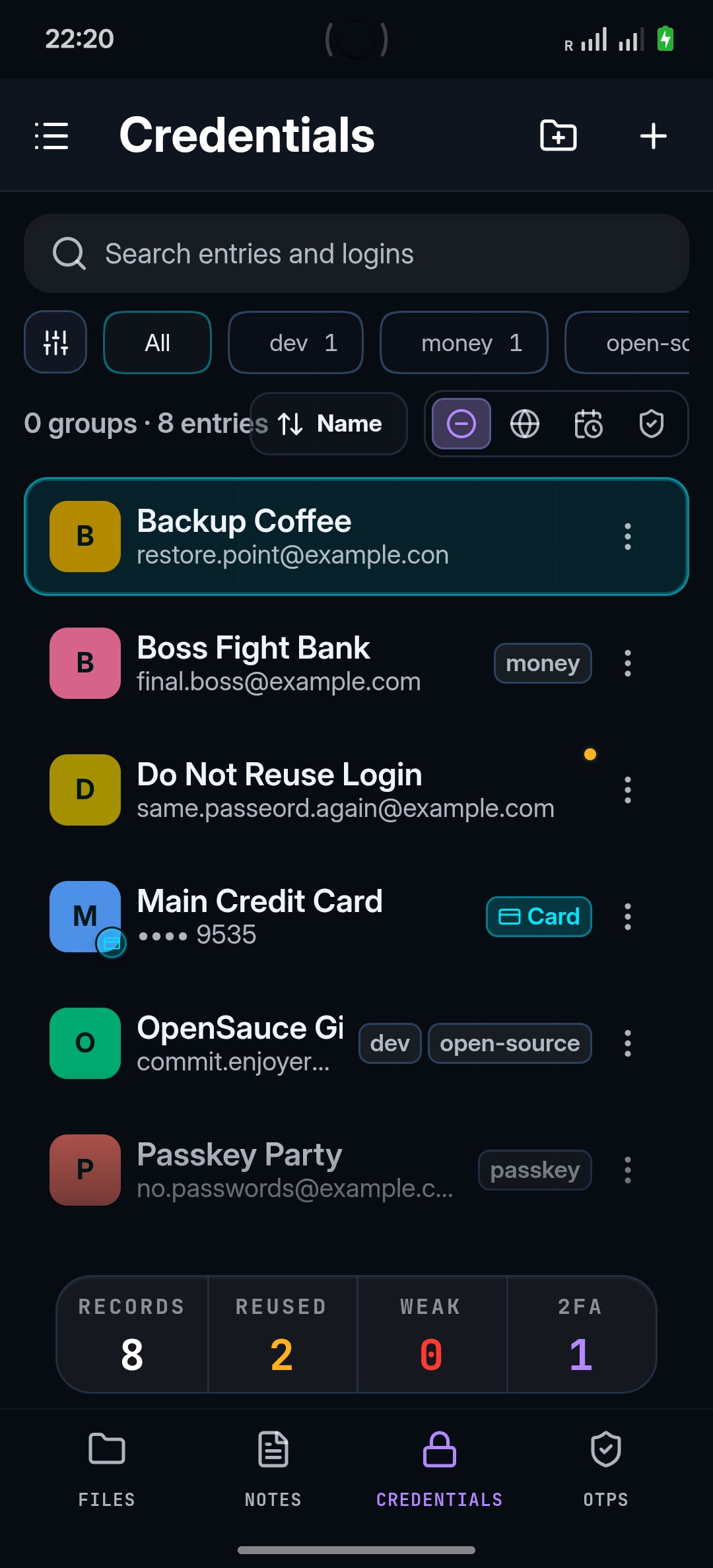
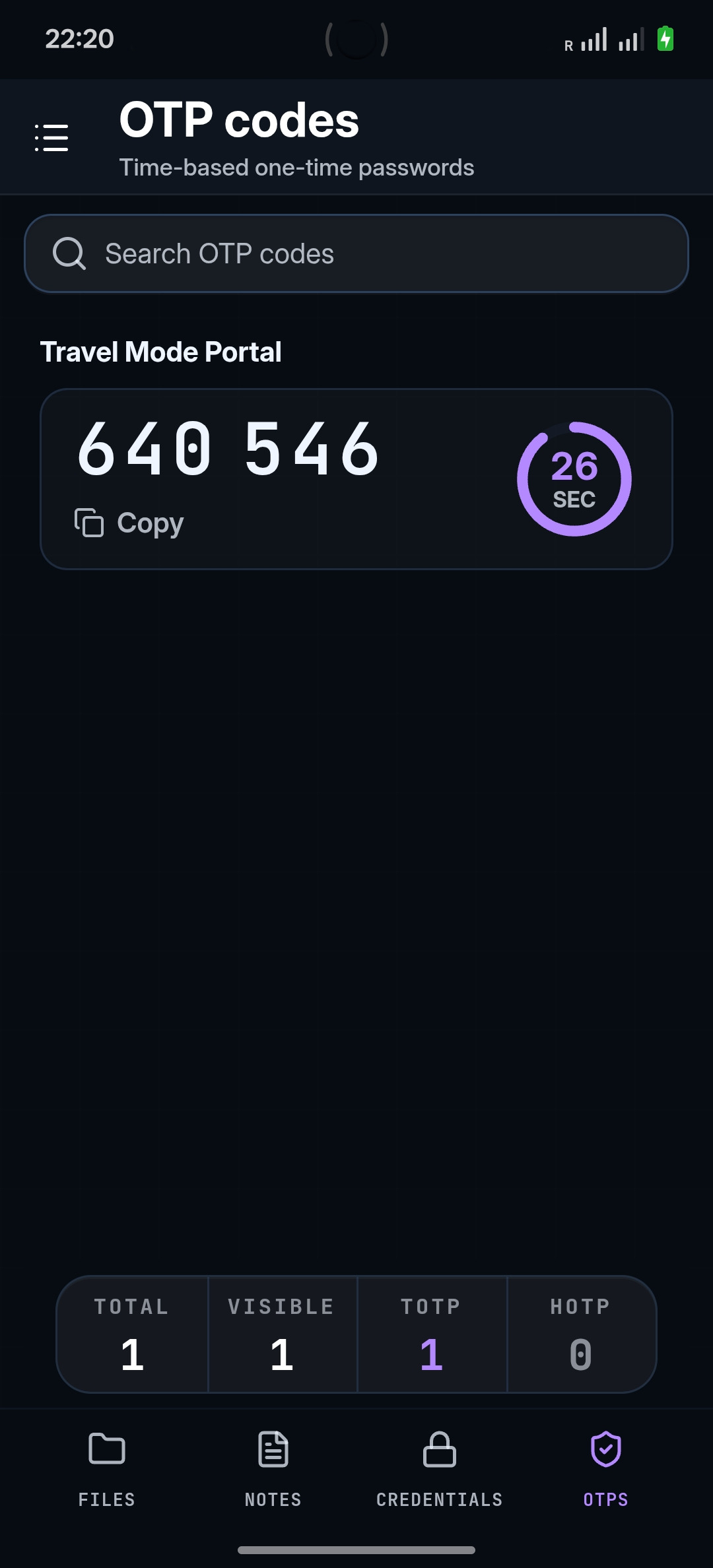
Store passwords, OTP, payment cards, wallet recovery data, SSH keys, private notes, and files in one local vault. Separate vaults can use different passwords, so opening one does not show the list or count of the others.
 chromvoid/vault
Seed phrases, recovery instructions, wallet files, and address notes.
Private keys, passphrases, host notes, and deployment access data.
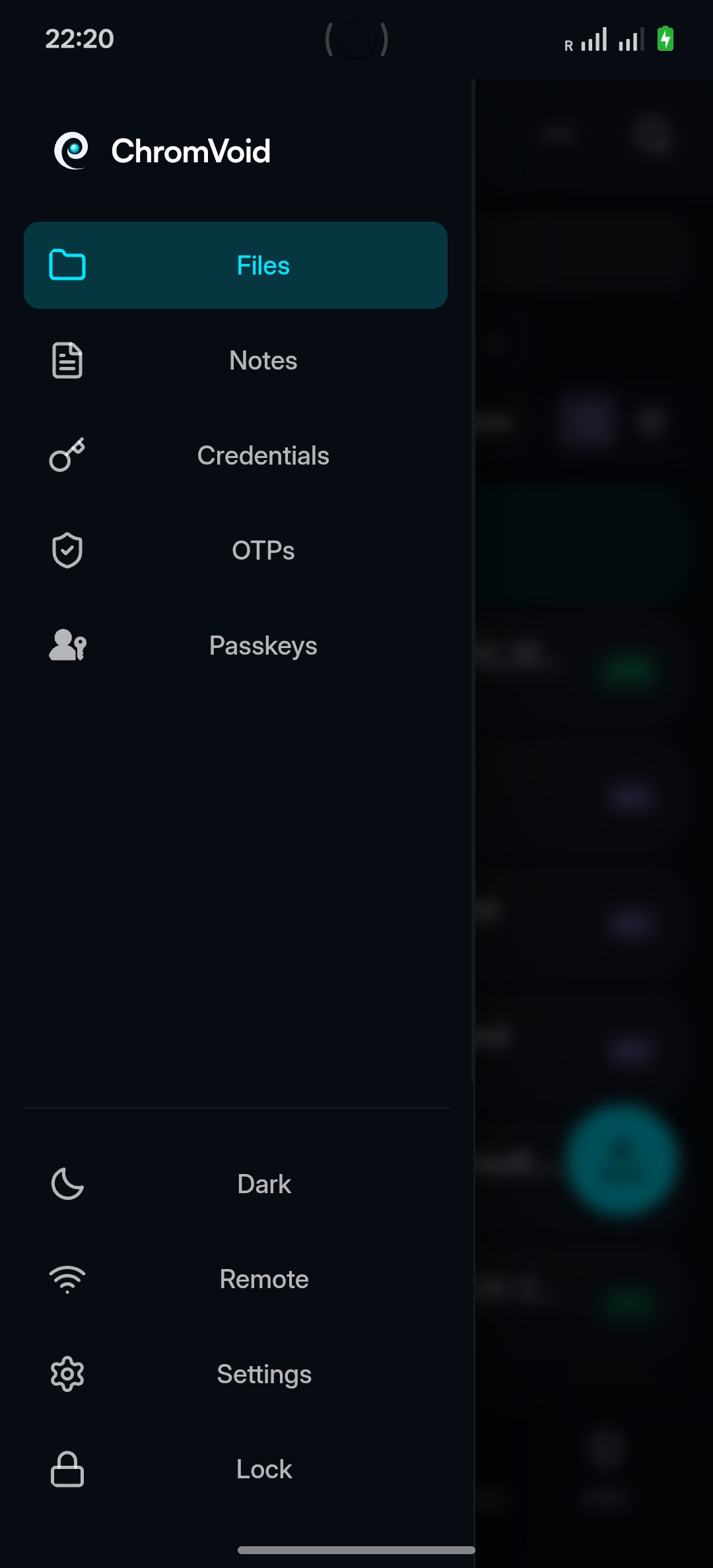
Mobile-first. The local vault stays on the chosen device. Every other surface only requests access; none holds a vault of its own.
No local vault. Pulls access from the phone over a remote channel, then serves its child surfaces.
requests through the desktop surface
no direct line to the phone vault
A ChromVoid backup is a sealed copy of your vault — not a second system core. Put it on a flash drive, NAS, external disk, or in the cloud: the medium only holds ciphertext, and a restore still passes through Core.
A cloud, disk, or flash drive never becomes part of the trusted system. It just stores an encrypted blob.
untrusted mediumIf a backup ends up with a third party, it stays an encrypted artifact. Resilience depends on master-password strength, key material, and your threat model.
encrypted artifactThe same backup restores on a mobile host or on desktop, because the shared Rust Core handles the format and the rules.
shared rust coreA backup is not live-sync and not a second primary vault. After a restore, the device you chose becomes the storage location again.
Choose an available build for your platform and check the Threat Model before installing.
Install from Google Play or use the signed APK from GitHub Releases.
Planned for upcoming releases.
Planned for upcoming releases.
One license unlocks advanced modules as they become available for your platform: remote access, native autofill, SSH signing, mounted encrypted volume, and emergency access.
Your secrets stay reachable remotely without moving storage to the cloud.
From another laptop, browser, or phone, you reach your unlocked host and continue where you stopped.
To reach secrets from another device, teams usually move the whole vault to a cloud or lose access away from the workstation.
Remote access reaches the working environment from another device. The vault does not move; it stays on the host.
System autofill that does not hand passwords to a cloud.
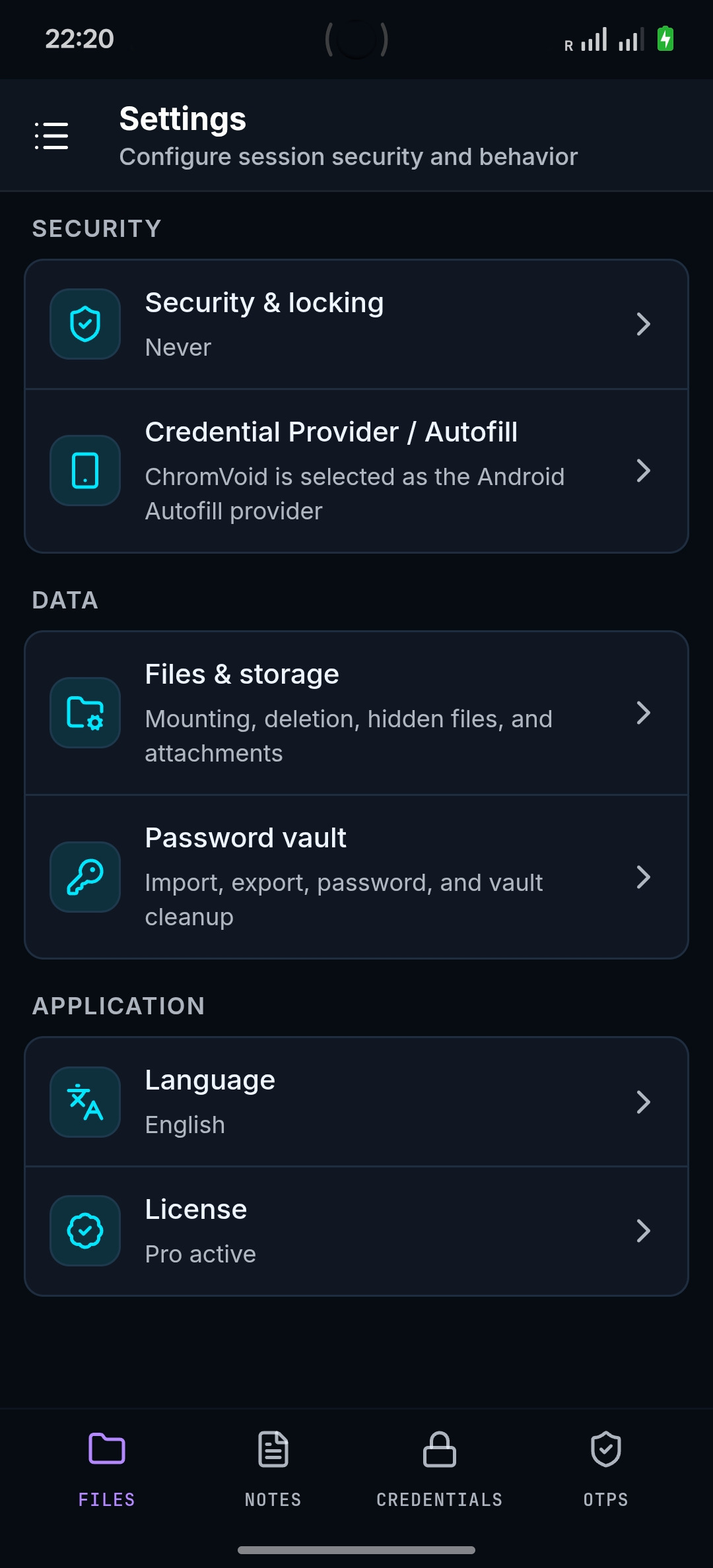
Logins and passwords fill natively in system fields while the source remains the local vault, not a cloud manager.
Convenient autofill almost always means passwords sync through somebody else's cloud service.
The familiar system autofill flow stays, but the secret is issued only for the request and does not leave the local vault.
SSH access without private keys scattered across disks.
The server asks for a signature; the module signs from Core. There is no private-key file to copy or lose.
Private SSH keys live as files on every machine: they get copied, forgotten, and lost.
You connect over SSH as usual, but the key never becomes a file on disk.
Encrypted files behave like a normal working folder.
Unlock once, then work in Finder or Explorer like any other folder. Unmount the session, and files are encrypted at rest again.
Editing encrypted files usually requires export, edit, and re-import, while decrypted copies spread across disk.
The volume mounts as a normal folder: edit PDFs, notes, and documents in place; after unmount only encrypted data remains.
Trusted people can get access if something happens to you, under a clear rule.
Choose a trusted recipient and delay. If you do not cancel the request in time, access opens transparently for both sides.
The question 'what if something happens to me' is often unsolved or handled with a paper password in a safe.
A predefined access-recovery rule visible to both sides, without hidden bypasses or backdoors.
Up to 3 devices · modules depend on platform support
Each password can open its own vault. Opening one proves only that this vault exists — it does not reveal the shared list or number of others.
A normal password opens a plausible vault without claiming it is the whole system.
Personal, work, recovery, and private data can live behind different passwords.
The visible vault does not reveal the list of other areas.
Limitation · Deniability only works within the threat model. It reduces markers of other vaults during plausible-layer disclosure or file copying, but it does not protect an open session, a compromised device, or OPSEC mistakes.
A password does not "open a vault"; it derives a key that selects an encrypted namespace inside storage. Data lives as authenticated chunks, and no vault list exists in plaintext.
Start with fit, limits, and platform status. Proof pages go deeper where it matters.
For anyone who does not want passwords in someone else's cloud, plus security teams, journalists, lawyers, activists, and users who need local or phone-held boundaries.
Normal managers are good at convenience and sync. ChromVoid is for cases where browsers, cloud accounts, transport paths, or shared devices should not become the place where secrets live.
Each password can open its own vault. Showing one vault does not reveal the list or count of others. The guarantees depend on device state, storage medium, your own actions, and the public threat model.
The basic vault path and selected platform builds are the starting point. Extended modules activate only when the module and platform runtime are available.
No. The basic path behaves like a local vault. Stricter boundaries are opt-in for workflows that need them.
No. It talks to the local Desktop Gateway and receives temporary permissions (grants); it does not store the vault.
Vault files are encrypted at rest, but master-password strength, key material, device state, and backups still matter.
No vault fully protects a compromised live device. ChromVoid reduces specific exposure paths; it does not replace OPSEC.
Some platforms have builds; others are in progress or planned. Check the availability matrix before installing.
LDL is the Lifetime Device License for Pro modules on up to three Core devices when the module and platform runtime are available.
Start with the public Threat Model, architecture diagrams, and GitHub repository before installing.
Choose the current build for your platform, then inspect the public security model before installing.
Core safety is not an upsell.Deniability has documented limits.Current limitations are documented publicly.